
MIDI Collection
Search by title or artist, open a result and choose Download .mid.
You need a MIDI or Guitar Pro file that includes a drum part.

In a search engine, enter the song title + “midi”.
Or search the sites below by song title or artist, without adding “midi”.
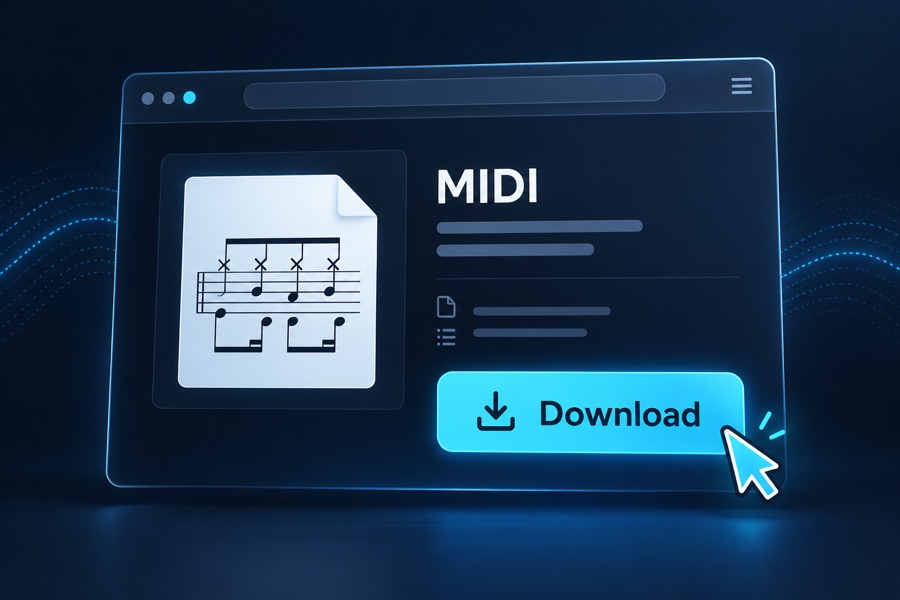
Open a result and download a MIDI or Guitar Pro score with drums. Save it on your device.

Choose Import song → Choose file and open the file you downloaded. Then select the drum track.
Check a few bars: some files may not include a usable drum part.
Search these sites for your song. Tags show download costs and account requirements, with a caution where ads may be misleading. Use the score’s download link and avoid advertising buttons that look like downloads.
Search by title or artist, open a result and choose Download .mid.
Search by title or artist, or browse the catalogue. Use the download link beside the title.

Search by title or artist, open a tab and check for drums. Check the file type, then choose Download.

Search for your song, open a result and use the file link under Download this MIDI file.

Search by title or artist, open a song page and choose Download MIDI.

Search by title or artist and choose a Guitar Pro tab with drums.
Official tabs cannot be downloaded. Use the website, not the Ultimate Guitar app, and sign in to download the file.
Official download instructions (opens in a new tab)
Search by title or artist in the drum tabs catalogue.
Open a song, check the instrument list for drums, then choose Download tab. MIDI and Guitar Pro downloads require Plus.