Assign a file
Create or export a MIDI or Guitar Pro drum exercise, groove, fill, or song section outside Score Drummer, then send the file to your student.
Score Drummer gives drum teachers a simple workflow: prepare a MIDI or Guitar Pro exercise in your notation, DAW, or tab software, share it with a student, and let the student practice at home with real-time timing feedback.
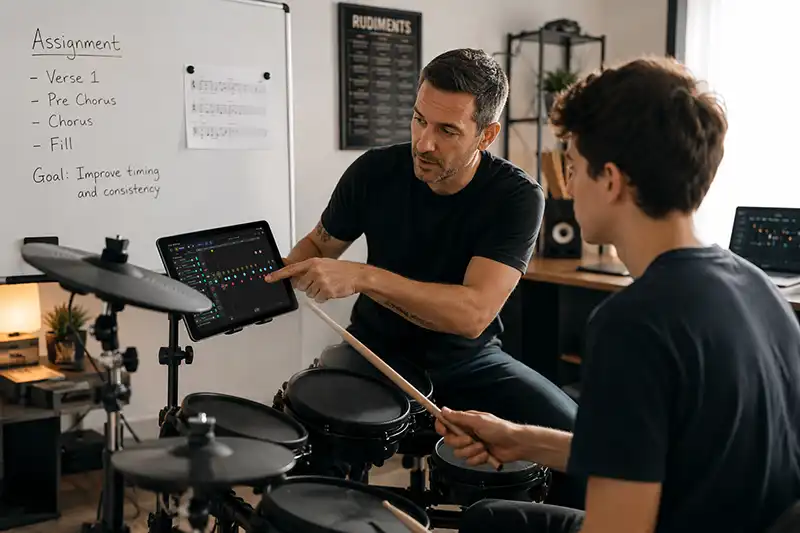
Instead of sending students home with only a PDF, metronome marking, or verbal notes, teachers can give them a playable drum part that responds to their performance.
Create or export a MIDI or Guitar Pro drum exercise, groove, fill, or song section outside Score Drummer, then send the file to your student.
The student imports the file, connects an e-kit, slows it down, loops bars, and plays along.
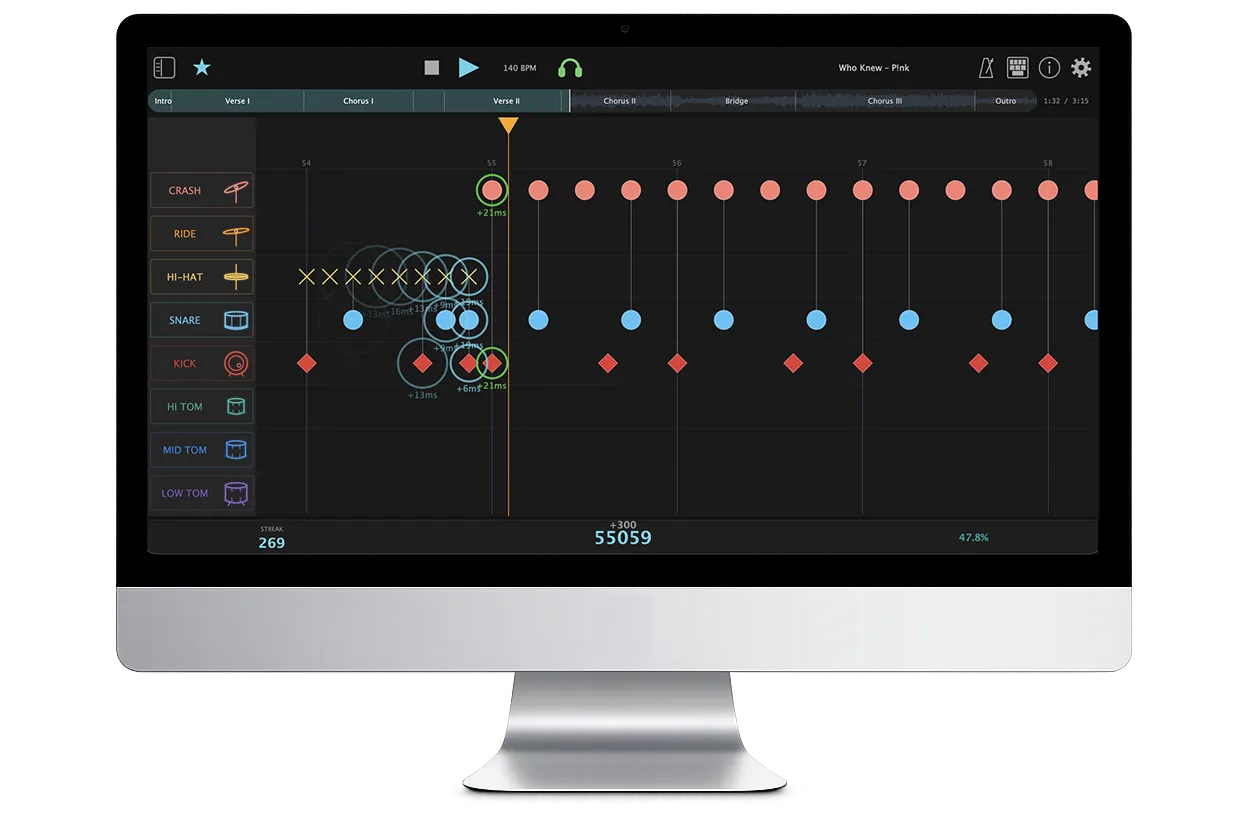
Early, late, missed, and extra hits show what to fix before the next lesson.
Send a short MIDI groove, coordination exercise, fill, or song excerpt for students to repeat between lessons.
Ask students to build from slow Practice Mode toward a full-tempo Performance run.
Students follow the score while playing, making rhythm reading more active than looking at a static page.
Students can practice the exact file you assigned and describe concrete timing problems in the next lesson.
MIDI and Guitar Pro files can become reusable assignments for different students and tempos.
The student sees exactly which notes are early, late, missed, or extra while working at home.
Feedback helps the student arrive with clearer questions and better awareness of the problem area.
Use Score Drummer with MIDI or Guitar Pro assignments and help students hear, see, and fix timing problems between lessons.
Download Score Drummer